
So I‘ve noticed the hype around Omarchy. I wanted to try it just to see what it‘s like. To be able to really get a feel of it I had to install it on a real machine and not just run it in a VM. That led me down a rabbit hole, but let’s just start at the beginning.
How it started
The only spare machines I had were old Apple laptops. The notorious 12“ MacBook from 2015 that only has one USB-C port. Yes, one, and nothing else. The other one is a M1 MacBook Air, which is kind of in use by my wife. So I opted for the 12" MacBook, thinking it would be easy, since it’s an Intel machine.
How it‘s going
So I went ahead and installed Omarchy on my 12" MacBook, which wasn’t easy. Remember it only has one USB-C port and apparently the internal keyboard and trackpad do not work with Arch (what Omarchy is based on). It required connecting to a USB-C hub that has a keyboard, mouse and spare USB port for the USB boot stick. I was even able to make the keyboard and trackpad work by stealing a prebuilt kernel from Pop!OS .
Omarchy
My first experience of Omarchy as a desktop environment was great. It’s essentially a preconfigured Hyprland installation with Waybar and Walker as a launcher. Coming from a Mac, the setup felt really nice with keyboard shortcuts that make sense and everything is easy to discover.
A word on Omarchy
Reading A word on Omarchy made me question whether I actually needed Omarchy for what I was trying to achieve. In the end all I wanted was to try running Linux for a while. Additionally the 12" MacBook is so slooooww. I needed a new setup.
Plain Arch
Eventually I gave in and researched if I could install and dual boot Linux on the M1 MacBook Air. After all it should give me much faster performance and I wouldn’t need to buy a new machine, just to try out Arch. Luckily Asahi Linux has come a long way and allows dual booting ARM Linux on a MacBook. And it also has an Arch fork! The installation process was very smooth and didn’t even require booting from a USB stick, just install it directly from within macOS!
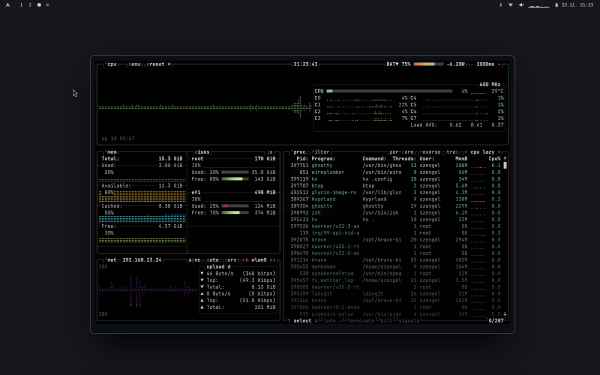
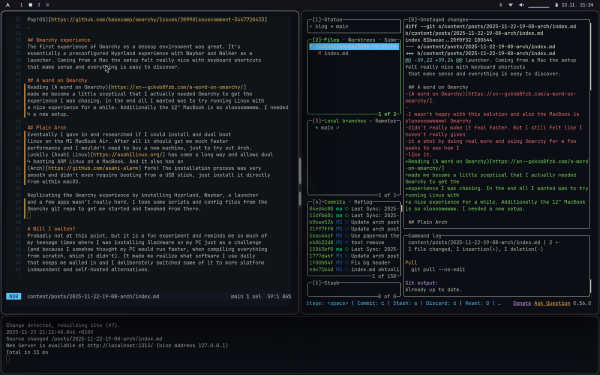
Replicating the Omarchy experience by installing Hyprland, Waybar, a launcher and a few apps weren’t really hard. I took some scripts and config files from the Omarchy git repo to get me started and tweaked from there.
Will I switch?
Probably not at this point, but it is a fun experiment and reminds me so much of my teenage times where I was installing Slackware on my PC just as a challenge (and because I somehow thought my PC would run faster, when compiling everything from scratch, which it didn’t). It made me realize what software I use daily that keeps me walled in and I deliberately switched some of it to more platform independent and self-hosted alternatives. I will keep using it outside of work for writing, learning and coding.