Helix is awesome. And it comes with a comprehensive set of themes. This is how to automatically switch between themes based on your system appearance.
Create a file named adaptive.toml in ~/.config/helix/themes/adaptive.toml with the following content:
inherits = "<any existing theme"
Then just update this file automatically, based on your system theme.
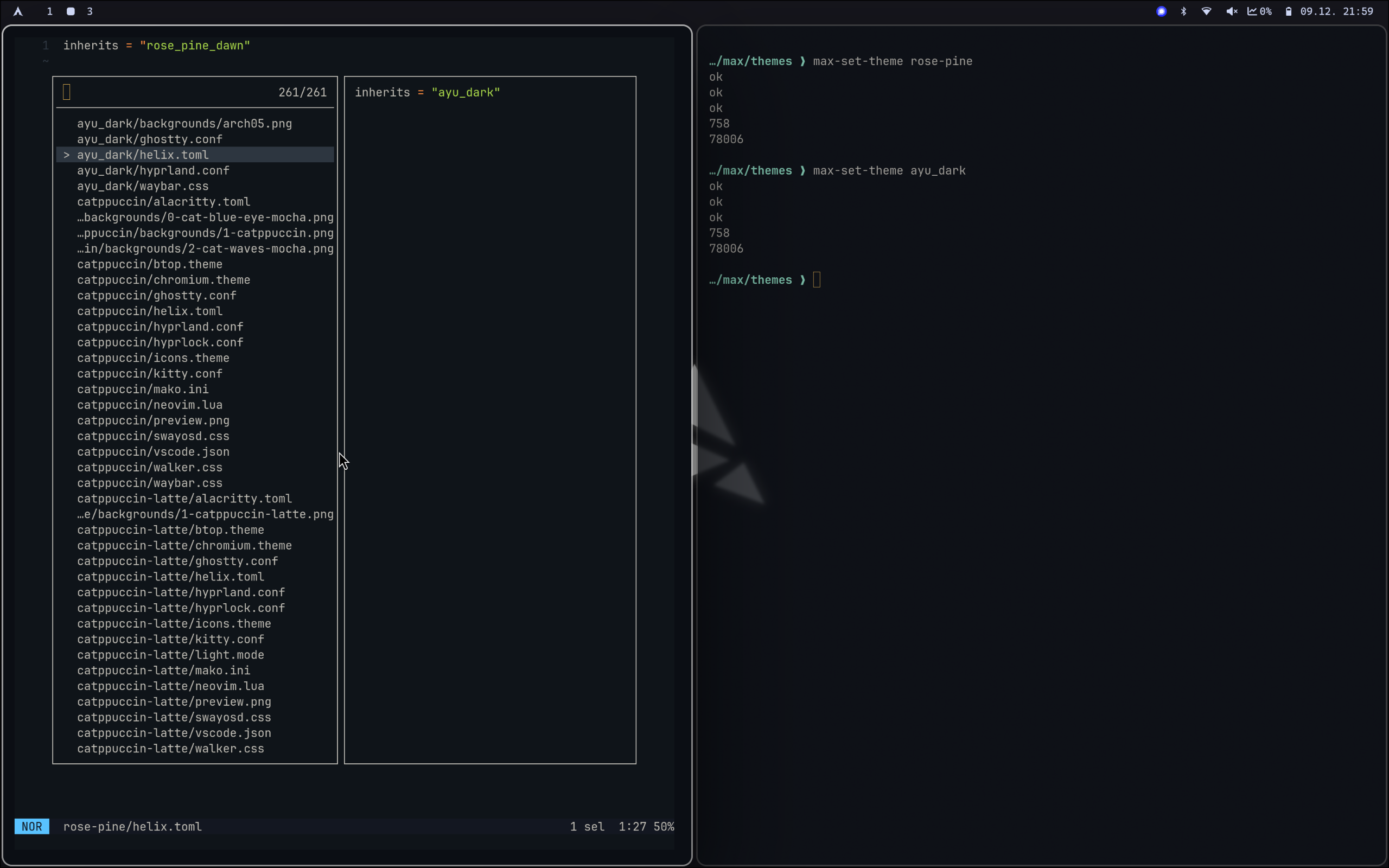
On macOS I do this using dark-mode-notify which triggers a script. On Arch I just set it just as part of my theme switcher script, something like this.